Free Stock Footage for YouTube: Unlock the Secret to Stunning Videos Without Filming
Have you ever wondered how so many content creators produce polished, professional-looking videos without ever stepping in front of a camera? What’s their secret? For thousands of YouTubers, especially those aged 35 and up, the answer lies in using free stock footage for YouTube. This strategy saves time, cuts costs, and keeps your production smooth and efficient.
But there’s a catch. Not all footage is truly free. You need to understand Creative Commons licenses, which specify how the content can be used, modified, or shared. Misusing a clip can lead to demonetization or even copyright strikes. This comprehensive guide will walk you through every step of using stock and Creative Commons video content legally and effectively.
Whether you’re managing a faceless channel or enhancing your educational series, knowing where to find quality stock footage is essential. A great example is this list of faceless YouTube ideas, which shows just how much can be achieved without a camera at all.

Understanding Free Stock Footage for YouTube
What is Free Stock Footage and Why It Matters
Stock footage refers to video clips that are made available for public use—often with few or no restrictions. Free stock footage for YouTube means you can create engaging content even if you don’t have the tools or environment to film yourself.
Key Benefits for YouTube Creators Over 35
Cost-effective for those starting on a budget
Time-saving, eliminating shooting and setup
Ideal for faceless channels, educational content, and product reviews
High visual quality, even without a camera
Creative Commons License Explained Simply
Different Types of Creative Commons Licenses
Creative Commons (CC) licenses are standardized ways for content creators to give others permission to use their work. The most common types include:
CC BY – Use with attribution
CC BY-SA – ShareAlike license
CC BY-ND – No derivatives allowed
CC BY-NC – Non-commercial use only
What You Can and Cannot Use
You can use most CC footage for YouTube if you credit the creator
You cannot use CC-NC content for monetized videos
You can remix CC BY content, but not CC BY-ND
Always verify license terms before publishing
(You can read more about CC licensing from this trusted source, which offers a breakdown of legal categories and permissions.)
Top Platforms for Free Stock Footage for YouTube
Exploring Pexels: A Resource for Royalty-Free Clips
Pexels offers a massive collection of free videos, covering everything from landscapes to people in action. All content is under the Pexels license, meaning it’s free for commercial and non-commercial use without attribution.
The Power of Pixabay in Video Creation
Pixabay is another excellent resource for stock footage, especially for backgrounds, animations, and time-lapses. Its library is extensive and includes 4K resolution content—all royalty-free.
Discovering Pikwizard for High-Quality Videos
Pikwizard is unique because it offers editorial-style footage, suitable for professional presentations, tutorials, and social commentary videos. Their licensing model is simple and safe for YouTube creators.
How to Make Videos Without Filming Yourself
The Rise of Faceless YouTube Channels
Many successful channels never show a person on camera. They rely entirely on narration, B-roll, and stock clips to convey their message.
Tools That Help You Build Videos Without a Camera
Canva Pro and InVideo: drag-and-drop editors with templates
Pictory: turns text into video
Lumen5: AI-powered video builder from blog content
Legal and Ethical Use of Stock Footage on YouTube
Avoiding Copyright Strikes and Monetization Issues
Always ensure your chosen footage is licensed properly. If you’re unsure, use content from platforms that clearly label usage rights like Pixabay, Pexels, or Pikwizard.
Best Practices for Attribution and Usage
Place attributions in your video description
If required, include a link back to the original content
Avoid remixing footage that doesn’t allow derivatives
Editing and Customizing Stock Footage
How to Add Your Style with Editing Software
Use tools like Adobe Premiere Pro, DaVinci Resolve, or CapCut to personalize stock footage. Add voice-overs, transitions, and overlays to match your brand.
Integrating Stock Clips Seamlessly into Your Content
Plan your script around available clips
Use consistent color grading
Add background music and motion graphics
AI Video Generators: A Modern Solution
Best AI Tools to Create Unique Video Content
Check out this list of the top 10 AI video generators in 2025 that help automate video creation using voice, stock clips, and templates.
Combining AI and Stock Footage for Maximum Impact
This is perfect for time-strapped creators. Just input a script and the AI does the rest—no camera needed.
Free vs Paid Stock Footage: Which Should You Use
| Criteria | Free Stock Footage | Paid Stock Footage |
|---|---|---|
| Cost | $0 | Varies ($10–$50/clip) |
| Licensing | Often less complex | More usage rights |
| Quality | Moderate to high | Very high |
| Volume | Limited | Extensive libraries |
When starting out, free resources like Pikwizard are excellent. As your brand grows, investing in paid options might give you a professional edge.
Audience Engagement Tips with Stock Footage
Use emotionally resonant visuals to match the tone of your script
Open with a compelling, unexpected visual to hook viewers in the first 10 seconds
Maintain visual pacing—alternate between calm and dynamic clips
Insert cutaways to support narration and avoid static screen time
End with a clear, branded outro clip to leave a lasting impression
Tips for Curating a Personal Stock Footage Library
Creating a personal library helps save time on future projects. Here’s how:
Download and organize clips into folders by theme (e.g., nature, people, cities)
Keep a spreadsheet with file names, sources, and licenses for quick reference
Store clips in cloud storage (e.g., Google Drive) for access across devices
Name files with descriptive keywords for faster searchability
How to Make Thumbnails Using Stock Footage
A great thumbnail boosts click-through rates. Use these tips:
Choose a striking freeze frame from your stock footage
Overlay bold, readable text using tools like Canva
Apply a slight vignette or blur around the edges to focus attention
Test variations to see what gets the most clicks
How Stock Footage Helps with Video SEO
Stock footage can actually improve SEO performance:
Rich visuals encourage longer watch times, reducing bounce rates
More engaging videos boost average view duration, a key YouTube ranking factor
Attractive visuals make viewers more likely to subscribe or comment
Videos using searchable visuals are more likely to appear in Google Video results
Content Planning Strategies When Relying on Stock Footage
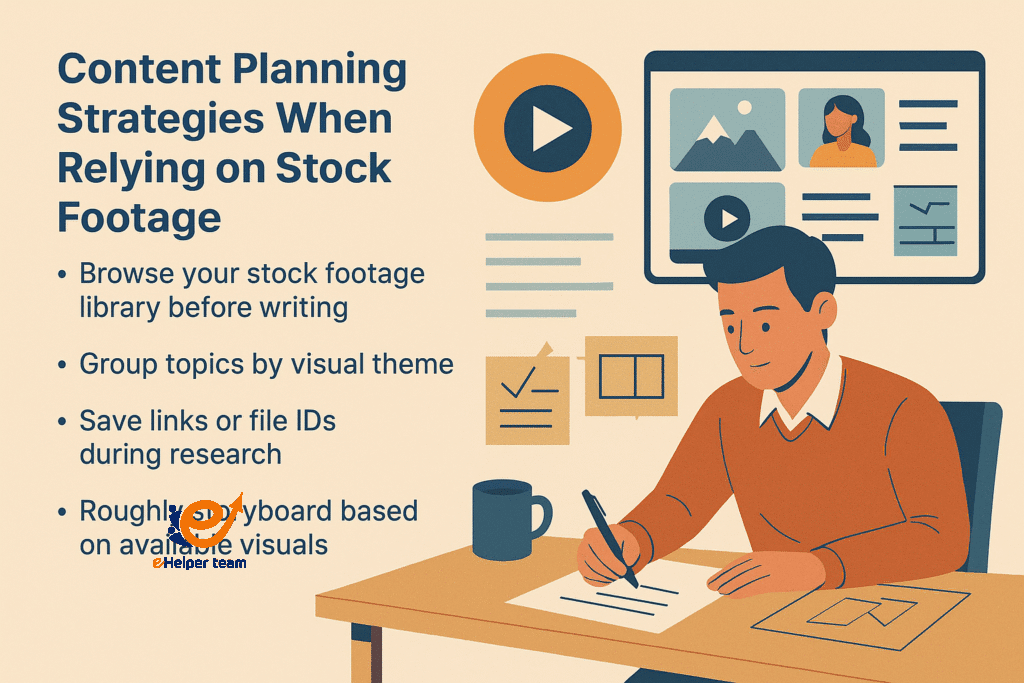
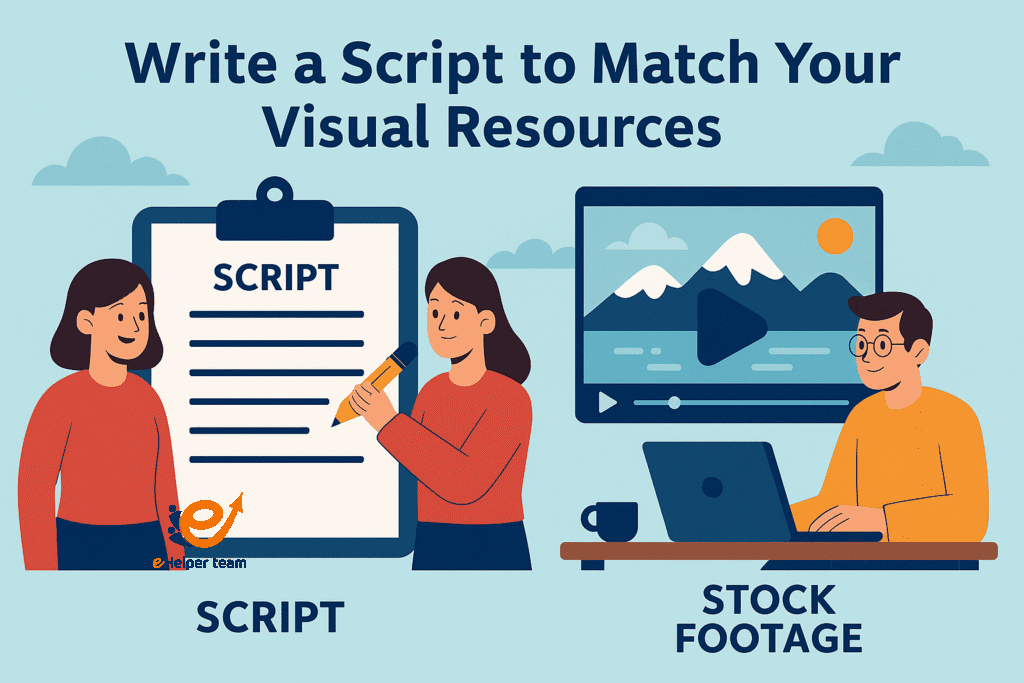
When working with pre-existing visuals, it’s important to reverse your creative process. Instead of filming to match your script, write your script to align with the visuals you can access. This “footage-first” workflow helps ensure your narrative flows naturally with available content. To fully apply this method, understanding the licensing behind platforms and visual resources—such as Creative Commons—is essential, so you know exactly what you’re allowed to use and adapt.
Tips include:
Browsing your stock footage library before writing.
Grouping video topics based on visual themes.
Saving links or file IDs of potential footage during research.
Creating a rough storyboard based on available visuals.
Color Grading for Consistency Across Mixed Footage
One common issue with using stock footage from various sources is inconsistency in lighting and color. Professional creators overcome this by applying custom LUTs (Look-Up Tables) or manual grading to unify the look.
Best practices:
Match brightness and contrast before applying any filters.
Use adjustment layers in your editing software for non-destructive editing.
Save your grading preset to use across all future projects for visual branding.
Voice-Over Optimization for Stock-Based Videos
Because stock footage lacks original sound or dialogue, your narration becomes the primary vehicle for tone and message.
Effective narration strategies:
Use conversational language that matches your audience.
Adjust pacing to match the action in each clip.
Layer background music that complements but doesn’t overpower your voice.
Record in a treated space or use AI tools like Adobe Enhance to improve audio clarity.
Repurposing Stock Footage for Multi-Platform Campaigns
Maximize your effort by reusing your YouTube-ready videos on other platforms like Instagram Reels, TikTok, and Facebook.
Adaptation techniques:
Crop horizontal videos into vertical for short-form platforms.
Add subtitles and punchy openers for attention-grabbing short videos.
Export a teaser version with a strong call to action to watch the full YouTube video.
Frequently Asked Questions
Q1: Can I monetize YouTube videos with stock footage?
Yes, as long as the footage is licensed for commercial use and follows YouTube’s policies.
Q2: Where can I find Creative Commons videos safely?
Platforms like Pexels, Pixabay, and Pikwizard offer safe-to-use Creative Commons videos.
Q3: How do I give proper credit to content creators?
Include the creator’s name and a link in your video description. Follow any platform-specific requirements.
Q4: What editing tools are best for stock footage?
DaVinci Resolve, Adobe Premiere, and Final Cut Pro are excellent options.
Q5: Are AI-generated videos allowed on YouTube?
Yes, but they must follow content guidelines and avoid misleading representations.
Conclusion and Next Steps
By now, you’ve learned everything you need to confidently use free stock footage for YouTube. From understanding licenses to choosing the right platforms and tools, this guide empowers you to grow your channel the smart way.
If you’re looking to build a channel without ever stepping on camera, check out this article with 10 powerful faceless YouTube ideas.


